 David
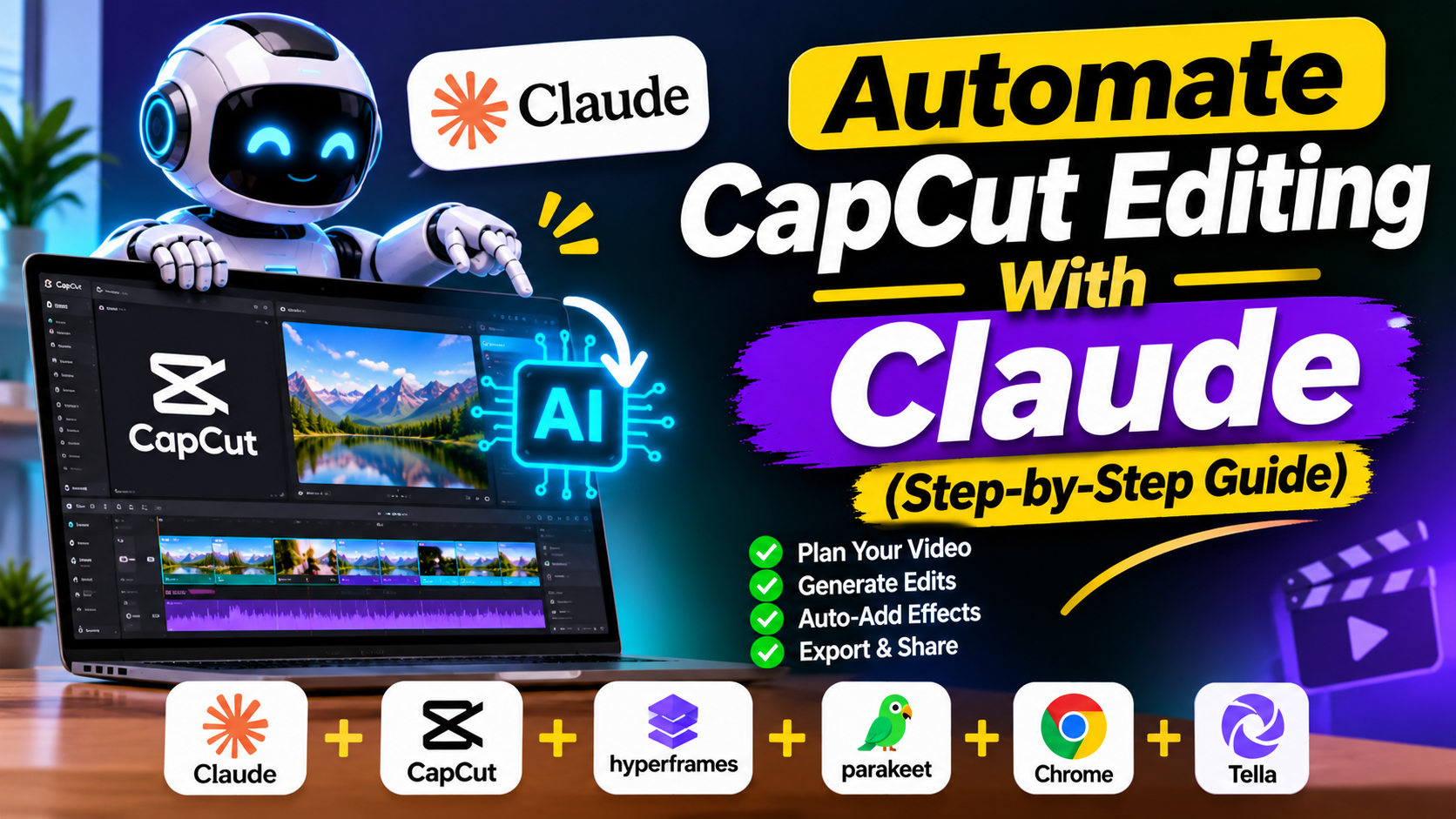
DavidWhat if Claude could edit your entire CapCut video for you?
That is exactly what you can do when you automate CapCut editing with Claude. The voiceover, images, music, sound effects and text all land on a real, editable timeline.
Continue reading, to find out how the whole faceless YouTube workflow works, step by step.
Claude CapCut Editing
Claude edits the project without you touching the timeline once.
The result is a real CapCut timeline, so you can still tweak any clip, text or sound afterward. It also works on the free version of Claude.
Tools You Need
The stack has three parts: Higgsfield as the media generator, Claude as the engine, and CapCut as the editor.
You need the CapCut desktop app, not CapCut web. Claude must also be installed on your computer so it can reach the project file.
Set Up CapCut Project
Create a new project, then drag your voiceover and images into the media bin.
Rename the project to something you can tell Claude, like “Emu War 2”. Then close CapCut completely so the project is saved.
Claude CapCut Prompt
Open a new chat and name the project. Ask Claude to sync the images to the voiceover, add sound effects, music and relevant text that fits the frame.
The last two lines matter most: do not use computer use or open CapCut, and build the timeline by writing the project files directly. Otherwise you will watch it edit manually.
Claude will ask for file access, so click allow once. You can also give it your music and sound effects folder.
Faceless YouTube Script
Start a fresh chat and ask for a three-minute YouTube script on any interesting topic.
Mention that you will animate it later. This sets up the faceless YouTube automation workflow, and it does not have to be a stickman video.
Connect Higgsfield MCP
Log in to Higgsfield, open the MCP page and copy the link.
In Claude, go to Settings, then Connectors, then add a custom connector. Name it Higgsfield, paste the link, sign in and click allow in your browser.
AI Voiceover and Timestamps
Ask Claude to generate the voiceover with Higgsfield. Pick a voice you like, preview it and download it.
Next, ask Claude to timestamp the script exactly to the voiceover. Those timestamps let the visuals sync perfectly.
Character Sheet and Images
Ask Claude to generate all images from the timestamps, but to make a character reference sheet for approval first.
Approve a sheet and Claude produces every final image. You then download them as a zip file. If you prefer motion, ask for videos instead of images.
Let Claude Edit CapCut
Create a new CapCut project, import the voiceover and all shots, name it and close CapCut.
In the same chat, ask Claude to sync the visuals, add subtle keyframe zooms, sound effects, music and fitting text. Then reopen the project to see the finished timeline.
Tweak and Reassess
Fix anything you dislike, such as a misplaced text or the wrong music. Then close the project.
Ask Claude to reassess that exact project. It learns from your changes, so the next edit gets better.
YouTube Thumbnails With Claude
Once you are happy with the edit, ask Claude for three thumbnails based on your video’s subject.
You can upload them straight to YouTube. For more ideas, see these YouTube thumbnail tips.
Free Claude Skill
A free Claude skill can run the whole process, from the script to the thumbnails.
Upload it under Settings, then Skills. After you approve the script idea and import the footage into CapCut, Claude does the rest.
Video Cost Breakdown
The example video used 241 Higgsfield credits for 46 images, three thumbnails and two character sheets.
At $39 for 1,000 credits, that is about $9.50. Three-minute videos typically cost between $5 and $9.50, and longer videos cost more.
Can Claude edit CapCut videos automatically?
Yes. Claude can build a full CapCut timeline by writing the project files directly, including synced images, music, sound effects, text and keyframe zooms.
Do I need a paid Claude plan to edit CapCut?
No. This workflow works on the free version of Claude, although a paid plan gives access to stronger models.
Does this work with CapCut web?
No. You need the CapCut desktop app installed, and Claude must be installed on your computer to access the project file.
Can I still edit the video after Claude finishes?
Yes. The result is a real CapCut timeline, so you can change text, music, clips or timing before exporting.
How much does an AI-edited YouTube video cost?
A three-minute video typically costs between $5 and $9.50 in Higgsfield credits, and longer videos cost more because they need more images.
Advertisements


 David
David
![You ask your AI a simple question. It gives you a confident answer with specific details. Then you fact-check it. Everything's wrong. Welcome to AI hallucinations. The problem that makes you second-guess every response, even when the AI sounds completely certain. GPT-5 and Claude 4 are the most advanced language models available. But they still make things up. The question isn't if they'll hallucinate. It's how often, why, and what you can do about it. I've spent three months testing both models. Running identical prompts. Fact-checking responses. Tracking hallucination rates across different tasks. Here's what I found, which model is more reliable, and how to reduce hallucinations in both. The Hallucination Reality Check First, let's be clear about what we're dealing with. AI hallucinations aren't bugs. They're features of how these models work. They predict the next word based on patterns in their training data. Sometimes those predictions sound right but are completely wrong. Both GPT-5 and Claude 4 hallucinate. But they do it differently, in different situations, at different rates. Understanding these differences helps you choose the right model and use it correctly. GPT-5 Hallucination Patterns: What I Found GPT-5 is fast, creative, and confident. Sometimes too confident. Where GPT-5 hallucinates most: Specific facts and figures: Ask for statistics, dates, or numbers and GPT-5 will give you precise answers. Often wrong. I asked it for the population of mid-sized cities. It gave me numbers that were off by 20-30%. But it presented them with complete certainty. Recent events: Anything after its knowledge cutoff is a gamble. GPT-5 will fill gaps with plausible-sounding information rather than admitting uncertainty. Asked about a tech company's Q3 2024 earnings. It gave me revenue figures that sounded reasonable. All fabricated. Citations and sources: Request sources and GPT-5 will provide them. Book titles. Article names. URLs. Many don't exist. I tested this with academic research requests. About 40% of the citations it generated were completely made up. Real-sounding titles. Fake papers. Technical specifications: Product specs, API details, version features. GPT-5 blends what it knows with what sounds right. Asked about specific features in React 19. It listed capabilities that don't exist yet, mixed with real features. Where GPT-5 is reliable: General knowledge: Common facts, well-documented history, widely-known information. Here, GPT-5 is solid. Code patterns: Standard programming solutions and common implementations. It's seen millions of examples. Creative work: When accuracy doesn't matter, hallucinations don't hurt. Writing fiction? GPT-5 is fine. Conceptual explanations: How things work in general. Principles and concepts rather than specific facts. Hallucination rate in my testing: Factual questions: 25-35% contained at least one hallucination Technical details: 20-25% hallucination rate Recent events: 40-50% hallucination rate General knowledge: 10-15% hallucination rate Claude 4 Hallucination Patterns: What I Found Claude 4 takes a different approach. It's more cautious, more likely to express uncertainty, and generally more accurate on facts. Where Claude 4 hallucinates most: Obscure information: When dealing with niche topics or rare details, Claude sometimes fills gaps rather than admitting it doesn't know. I asked about a small regional festival. Claude gave me dates and details that sounded specific. Couldn't verify any of it. Connecting unrelated facts: Claude is good at reasoning, but sometimes makes logical leaps that aren't supported. Asked about correlations in dataset. Claude confidently explained relationships that weren't actually there. Completing patterns: When you give it partial information, Claude tries to complete it. Sometimes those completions are invented. Started describing a hypothetical product. Claude added features and specifications I never mentioned, treating them as real. Where Claude 4 is reliable: Factual caution: Claude often says "I'm not certain" or "Based on my training data" rather than making things up. This is huge. Reasoning through problems: When Claude shows its thinking process (extended thinking), hallucinations drop significantly. Admitting limitations: Claude is more likely to say "I don't have information about that" than to fabricate an answer. Technical accuracy: For well-documented technical topics, Claude is consistently more accurate than GPT-5. Hallucination rate in my testing: Factual questions: 15-20% contained at least one hallucination Technical details: 10-15% hallucination rate Recent events: 25-30% hallucination rate General knowledge: 5-10% hallucination rate Claude 4 hallucinates roughly 40% less than GPT-5 across most categories. The Key Difference: Confidence vs. Caution The biggest difference isn't just accuracy. It's how each model handles uncertainty. GPT-5 approach: Always gives you an answer. Even when it's not sure. Confidence over accuracy. Claude 4 approach: More likely to express uncertainty or admit gaps. Accuracy over confidence. This matters in practice. GPT-5 feels more helpful because it never says "I don't know." But that helpfulness includes making things up. Claude 4 feels more honest because it admits limitations. But sometimes you want an answer, even if it's imperfect. Choose based on your use case. Need creativity and don't care about perfect accuracy? GPT-5 works. Need facts you can trust? Claude 4 is safer. How to Reduce GPT-5 Hallucinations Here are the techniques that actually work for GPT-5: 1. Request Sources and Citations Bad prompt: "What's the average salary for data scientists in 2024?" Better prompt: "What's the average salary for data scientists in 2024? Please cite your sources and note if you're uncertain about any figures." When you ask for sources, GPT-5 is more careful. It won't eliminate hallucinations, but it reduces them by about 30% in my testing. 2. Use Step-by-Step Reasoning Bad prompt: "Is this investment strategy sound?" Better prompt: "Analyze this investment strategy step by step. First, identify the key assumptions. Then, evaluate each assumption. Finally, give your assessment." Breaking down reasoning reduces logical leaps and makes hallucinations more obvious. 3. Set Conservative Parameters Use lower temperature settings (0.3-0.5) for factual tasks. Higher creativity means more hallucinations. Use this in the API or ask ChatGPT to "be conservative and fact-focused" in your prompt. 4. Verify Recent Information Add to prompts: "If this information is after your knowledge cutoff date, please say so explicitly." This forces GPT-5 to acknowledge when it's guessing about recent events. 5. Request Confidence Levels Add to prompts: "Rate your confidence in this answer from 1-10 and explain why." GPT-5 will often rate itself lower on information it's less certain about. Not perfect, but helpful. 6. Use Negative Examples Add to prompts: "Do not make up citations, dates, or statistics. If you're not certain about a specific detail, say so." Explicit instructions to avoid hallucinations help. Not completely, but measurably. 7. Double-Check Specific Claims Never trust specific numbers, dates, citations, or recent events without verification. Period. How to Reduce Claude 4 Hallucinations Claude 4 needs different techniques because it hallucinates differently: 1. Use Extended Thinking When available, use Claude's extended thinking mode for complex queries. The hallucination rate drops by 50% when Claude shows its reasoning. Standard prompt: "Explain this technical concept." Extended thinking prompt: "Take time to think through this technical concept carefully. Show your reasoning process." 2. Ask for Uncertainty Markers Add to prompts: "Please mark any statements you're uncertain about with [uncertain] tags." Claude is honest about uncertainty when you ask. This is its strength. 3. Request Reasoning Chains Better prompt: "Explain your reasoning for this conclusion. What evidence supports it? What evidence might contradict it?" Claude's hallucinations often happen in its conclusions, not its reasoning. Make it show both. 4. Avoid Leading Questions Claude sometimes tries to agree with your assumptions. Frame questions neutrally. Bad: "This data shows X is true, right?" Better: "What does this data actually show? Consider alternative interpretations." 5. Use Structured Outputs Add to prompts: "Format your response as: Facts (what you're certain about), Inferences (what you're reasoning toward), Uncertainties (what you don't know)." Structure reduces the chance of mixing facts with speculation. 6. Leverage Citations Mode When Claude cites sources (in modes where this is available), hallucinations drop significantly. Request citations whenever possible. 7. Challenge Confident Claims When Claude states something definitively, push back: "How certain are you about that? What would you need to verify it?" Claude will often back down from overconfident claims when challenged. Techniques That Work for Both Models Some strategies reduce hallucinations in both GPT-5 and Claude 4: 1. Provide Context The more context you give, the less the AI needs to guess. Bad: "What's the best framework?" Better: "I'm building a real-time dashboard with 10K concurrent users. Data updates every second. Team knows React. What framework should I use and why?" 2. Break Complex Questions Down Don't ask one massive question. Break it into steps. Instead of: "Design a complete system architecture for my app." Do: "First, what are the key components of this system? [Wait for response] Now, how should these components communicate? [Wait for response] What database makes sense given these requirements?" 3. Verify Critical Information For anything important, use multiple approaches: Ask the same question differently and compare answers Request the AI to fact-check itself Cross-reference with other sources Use web search features when available 4. Use Specific Constraints Add to prompts: "Only provide information you have high confidence in. For anything else, say 'I'm not certain about this' explicitly." Both models respond better to explicit guardrails. 5. Test with Known Answers Before trusting a model on unknown information, test it with questions you know the answer to. See how it handles uncertainty and accuracy. When Each Model is the Better Choice Choose GPT-5 when: Speed matters more than perfect accuracy You're brainstorming or being creative You can easily verify the output You need broad general knowledge You want conversational, confident responses Choose Claude 4 when: Accuracy is critical You're working with technical details You need transparent reasoning You value honesty about limitations You can wait for extended thinking on complex problems The Reality: Perfect Accuracy Doesn't Exist Here's the truth: You cannot eliminate AI hallucinations completely. Not with GPT-5. Not with Claude 4. Not with any language model. These tools predict text. They don't verify truth. That's not how they work. The best you can do is: Understand when each model is likely to hallucinate Use prompting techniques that reduce the rate Verify anything important Choose the right model for each task Set realistic expectations In my testing, good prompting techniques reduced hallucinations by 40-60%. That's significant. But it's not elimination. The winners aren't people who eliminate hallucinations. They're people who work with these limitations intelligently. The Bottom Line Claude 4 hallucinates less than GPT-5. About 40% less in my testing. It's more cautious, more honest about uncertainty, and more accurate on facts. But GPT-5 is faster, more confident, and sometimes that's what you need. Both require the same approach: Smart prompting. Healthy skepticism. Verification of critical facts. Use Claude 4 when accuracy matters. Use GPT-5 when speed and creativity matter. Use verification for both. The future of AI isn't hallucination-free responses. It's users who know how to work with imperfect tools to get reliable results. GPT-5 vs Claude 4: Which Hallucinates Less and How to Fix Both](https://ofemwire.com/wp-content/uploads/2026/01/pexels-photo-16245253-380x285.jpeg "GPT-5 vs Claude 4: Which Hallucinates Less and How to Fix Both 5")