 David
Why do most people still use new AI models the wrong way?
This Gemini 4 Argon tutorial shows how to use the model for app building, document review, and autonomous coding.
Continue reading, to find out which tool fits each job, what it costs, and where beginners should start.
Gemini 4 Argon Capabilities
Argon is built for deeper reasoning, serious coding, problem solving, and document analysis.
It understands text, tables, charts, and images, and accepts images, video, audio, and PDFs as inputs, although its replies are text only.
Google reports it ranks first on the Vals index for finance, coding, legal, and tax work, but those are Google’s own results.
Gemini 4 Argon Context Window
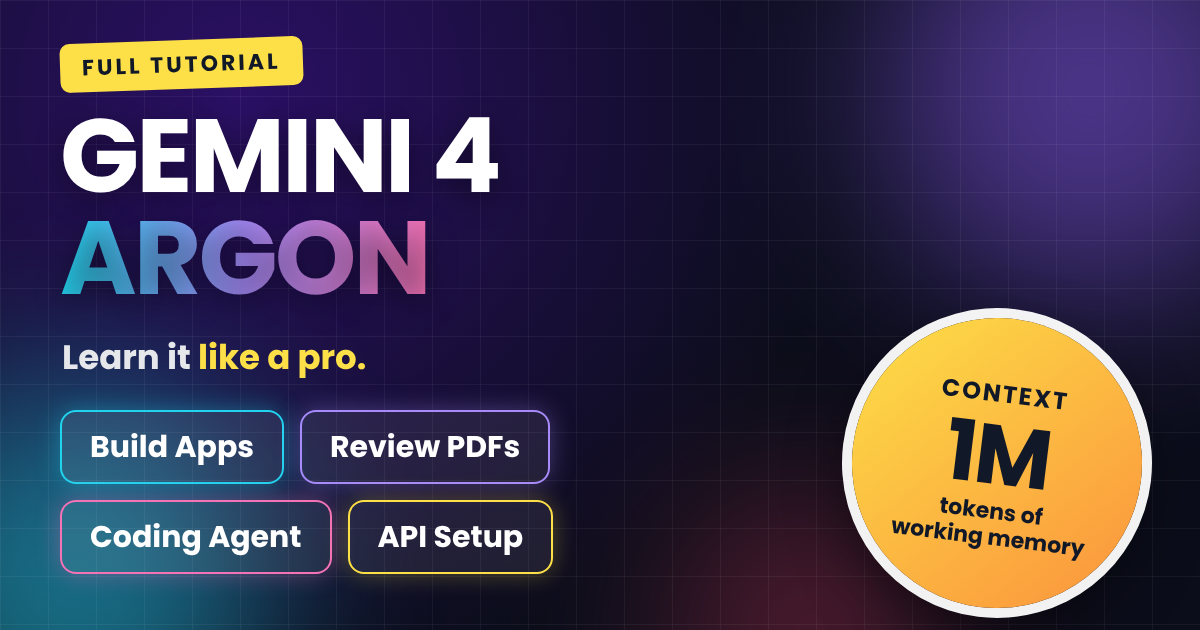
The context window is just over 1 million tokens, shared between input and output.
That lets you work with lengthy documents or large coding projects in one conversation without splitting them up.
Gemini 4 Argon Thinking Levels
You can control how much reasoning Argon uses with three levels: low, medium, and high.
It also supports function calling, code execution, structured outputs, and search grounding.
Google AI Studio Build Mode
Build mode in Google AI Studio turns a plain-language description into a working web app, with no code needed.
Select Argon as the model, paste one detailed prompt, and watch it plan and assemble the project.
AI Calorie Tracker App
The test app, Fuely, is a calorie tracker inspired by Apple’s iOS 26 liquid glass design.
The prompt asked for personalized onboarding, a macro dashboard, AI meal logging, editable estimates, daily insights, weekly progress, and browser storage.
Users describe a meal like “two eggs, buttered toast, and black coffee,” then Gemini estimates calories, protein, carbs, and fat.
AI Document Review
For the second test, a 10-page architecture review PDF for a shipment tracking platform was uploaded straight into the Gemini chat.
Argon summarized the purpose, evaluated each section, flagged weaknesses, and ranked issues by severity with page references.
It also checked numbers, dates, and technical claims for inconsistencies, which you should always verify against the original.
AI Technical Documentation
Because the PDF stays in context, a second prompt generated full technical documentation with no re-upload.
It covered the system overview, architecture, data model, API reference, security, and migration plan, with conflicting details flagged instead of guessed.
Google Antigravity Coding Agent
Antigravity is Google’s agent-first development platform, built for longer coding tasks across multiple files and steps.
Unlike a chatbot, an agent reads your project, edits files, runs terminal commands, and tries to fix its own errors.
Using Argon here requires a Google AI Ultra subscription.
Starfall Survivor Game Build
The test project was Starfall Survivor, a neon browser arcade game built with Vite, TypeScript, and HTML canvas.
The prompt asked for three enemy types, boss battles every five waves, upgrades, power-ups, particle effects, sound effects, and a saved high score.
Argon was also told to install dependencies, start the dev server, and fix errors until the game ran.
Gemini API Key Setup
To use Argon inside your own website or app, create a key on the API keys page in Google AI Studio.
Argon is only available on the paid API tier, so you need to enable billing first.
Store the key in an environment variable, never in public code, since anyone with it could generate charges on your account.
Gemini 4 Argon API Pricing
Through November 30, 2026, Google lists pricing at $2 per million input tokens and $10 per million output tokens.
After that, the rates rise to $4 and $20 respectively.
Gemini 4 Argon Access Options
The Gemini app and AI Mode in Google Search offer Argon to Google AI Pro and Ultra subscribers, with Pro access still rolling out in select countries.
GitHub Copilot is rolling it out across VS Code, Visual Studio, JetBrains, Xcode, and the CLI for Pro+, Max, Business, and Enterprise plans.
Android Studio and Firebase AI Logic use the paid Gemini API tier, while businesses can use Google’s Gemini Enterprise Agent Platform.
Best Way to Start
Beginners should start with Google AI Studio or the Gemini app before moving to API integrations or coding agents.
Match the tool to the job: a quick chat for simple tasks, a full project for apps, and an agent for multi-step coding.
For more, read our AI coding agents guide and our best AI video platform comparison.
What is Gemini 4 Argon?
Gemini 4 Argon is a Google model built for deeper reasoning, serious coding, problem solving, and document analysis, with a context window of just over 1 million tokens.
Where can I use Gemini 4 Argon?
You can use it in the Gemini app, AI Mode in Google Search, Google AI Studio, Antigravity, GitHub Copilot, Android Studio, Firebase AI Logic, and Google’s Gemini Enterprise Agent Platform. Subscription requirements vary by platform.
How much does the Gemini 4 Argon API cost?
Through November 30, 2026, Google lists $2 per million input tokens and $10 per million output tokens. After that, the rates increase to $4 and $20.
Is Gemini 4 Argon free to use?
No. API access requires the paid tier with billing enabled, and the Gemini app needs a Google AI Pro or Ultra subscription. Antigravity requires Google AI Ultra.
How many thinking levels does Gemini 4 Argon have?
There are three thinking levels: low, medium, and high, so you can match reasoning effort to how complicated the task is.
Can Gemini 4 Argon analyze PDFs?
Yes. It can process PDFs with text, tables, charts, and diagrams, so you can upload an entire document without extracting the content manually.
What is the best way for beginners to start with Gemini 4 Argon?
Start with Google AI Studio or the Gemini app, try a few projects, then move to API integrations or coding agents when you have something specific to build.
Advertisements


 David